Placements
Placements are a tool for placing content for subscribers on a specific resource with the ability to cancel later. When launched, it sends content to each subscriber in the data source (in the case of a scheduled start) or to a specific lead who initiated a certain event (in the case of a trigger start condition). If the channel supports mailing cancellation, the placed content can be removed from the resource manually or upon reaching a specific date and time.
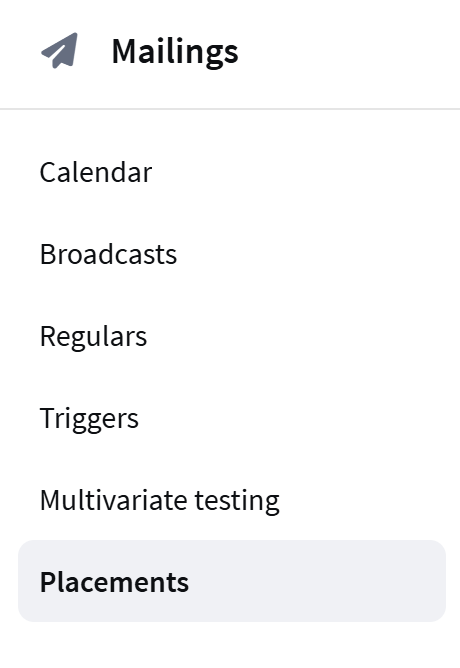 | To create a new mailing, select Mailings → Placements in the main menu and click the+ Create button. |
General Settings
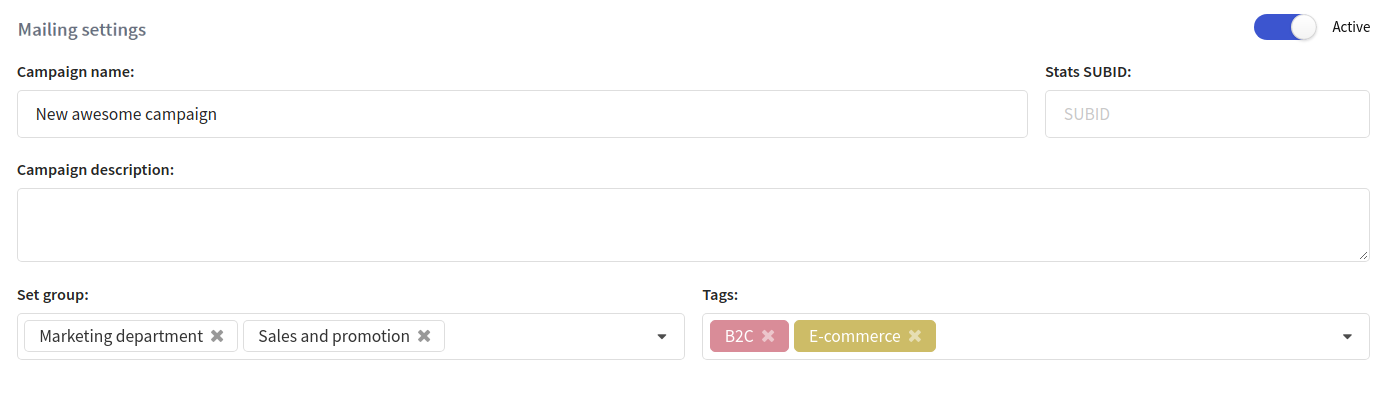
In the general settings, specify the name and description of the new mailing. If needed, set an access group, tags, and attributes for additional grouping. In the upper right corner is a toggle that activates the mailing:
Channel
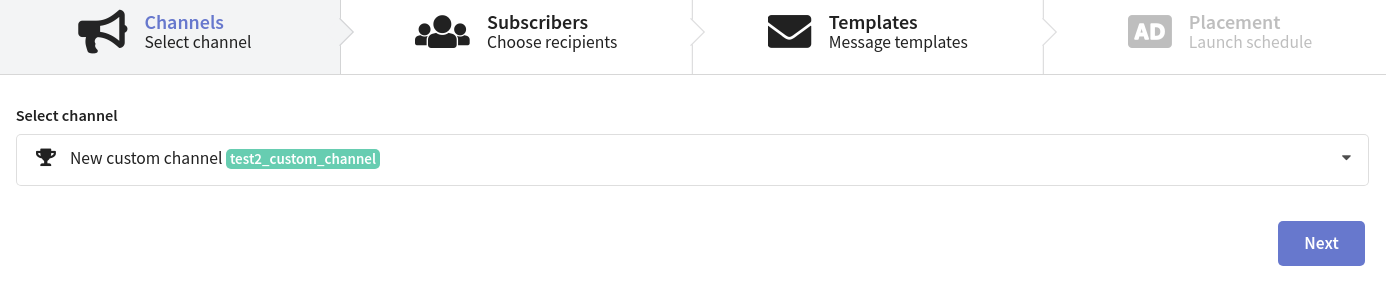
Select the sending channel for which this mailing type is available from the drop-down menu.
Subscribers
Select the recipients of the mailing. Mailings in Altcraft are sent within a specific resource: this can be a separate website, product, promotion, or another direction of your communications with customers. Select a resource and a subscriber source. Placement recipients can be a profile database or a segment consisting of profiles from one or more databases.
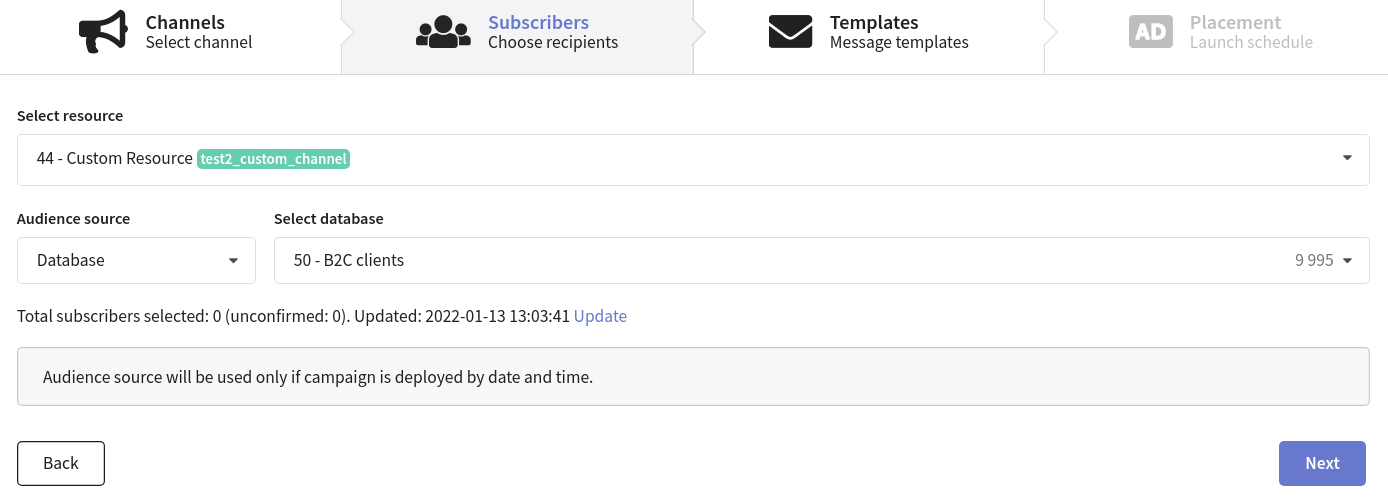
If you are using a placement to send messages through a custom channel, the mailing settings may vary depending on the channel configuration. For example, some channels may require selecting only the resource without specifying the subscriber source:
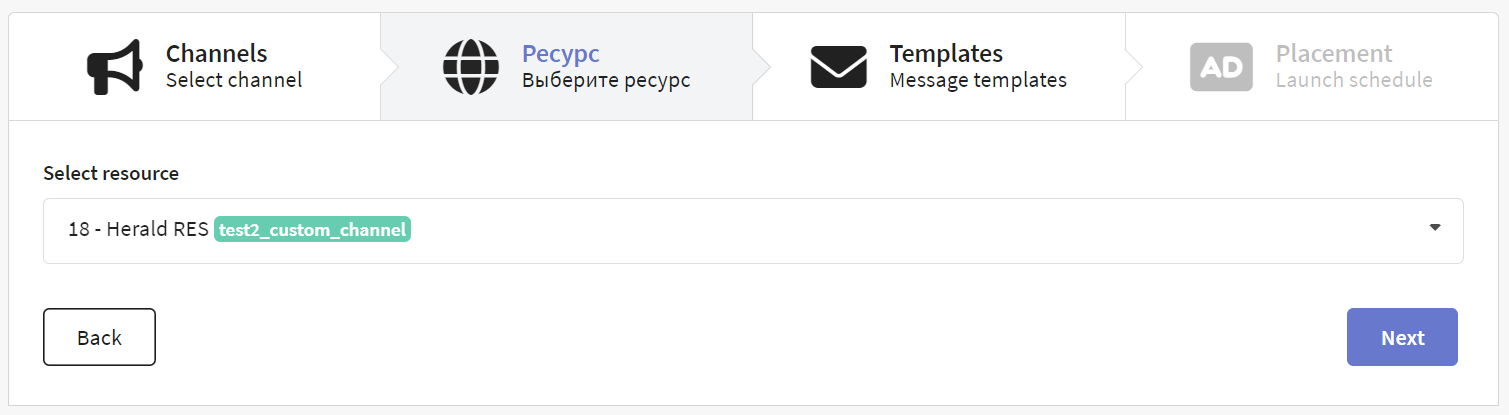
When sending messages, the mailing uses client subscriptions to the selected resource. Make sure the recipients in your data source are subscribed to it!
Templates
At this step, select the content you want to use in the placement.
Click the Add Content button and select a prepared template. Any mailing type supports up to 8 message templates. The mailing will send each recipient one message from the selected ones at random — in equal proportions.
Clicking on a template thumbnail opens a message preview.

Placement
Setting Up Start and Stop
A placement can be launched in two ways:
- on a specific date and time for all subscribers in the source
- by event for one subscriber
Start at a Specific Date and Time
The mailing will run once at the specified time. After that, the mailing will not be available for restart.
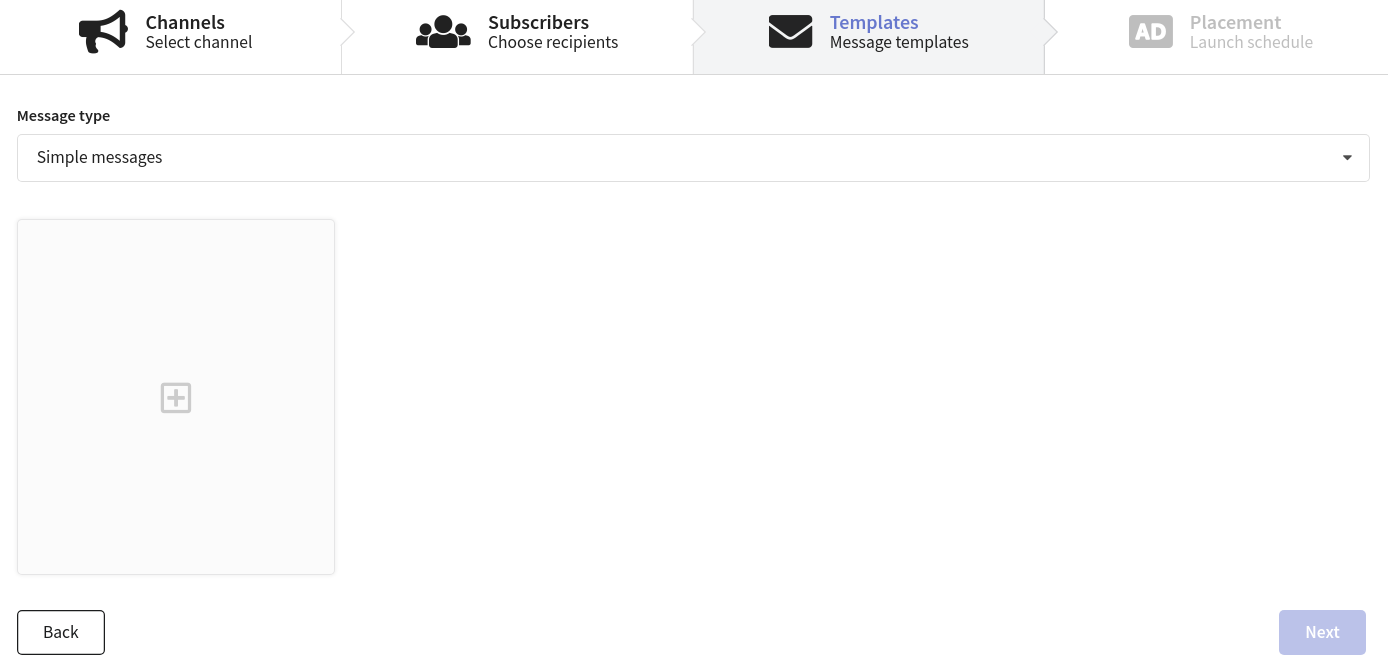
Start by Event
The setup is similar to a triggered mailing. Content will be sent to each subscriber captured by the trigger:
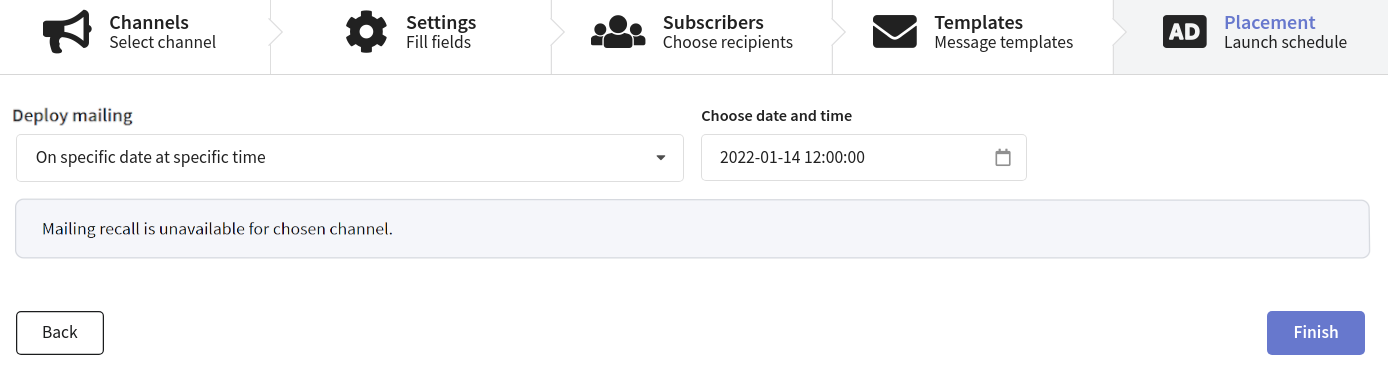
Event-based launch is available only for placements in direct channels. Telegram Group and MAX Group are indirect channels, so trigger-based launch is not available for them.
For more information on the differences between direct and indirect channels, see here.
Cancellation of Placement
Placement cancellation is only available for channels where it is configured. If mailing cancellation was not provided by the administrator when configuring the channel, this option will not be available for editing in the mailing.
There are two types of cancellation:
- on a specific date and time
- manually
Both options will cancel placements for all subscribers to whom the content was sent. It does not depend on the start type. If the start was set to a trigger, the trigger will be deactivated before cancellation.
A placement mailing can be canceled manually only if its status is "Deployed".
Instant Mailing Launch (in Addition to Schedule)
To launch the mailing immediately after creation, enable the corresponding option at the bottom of the page:
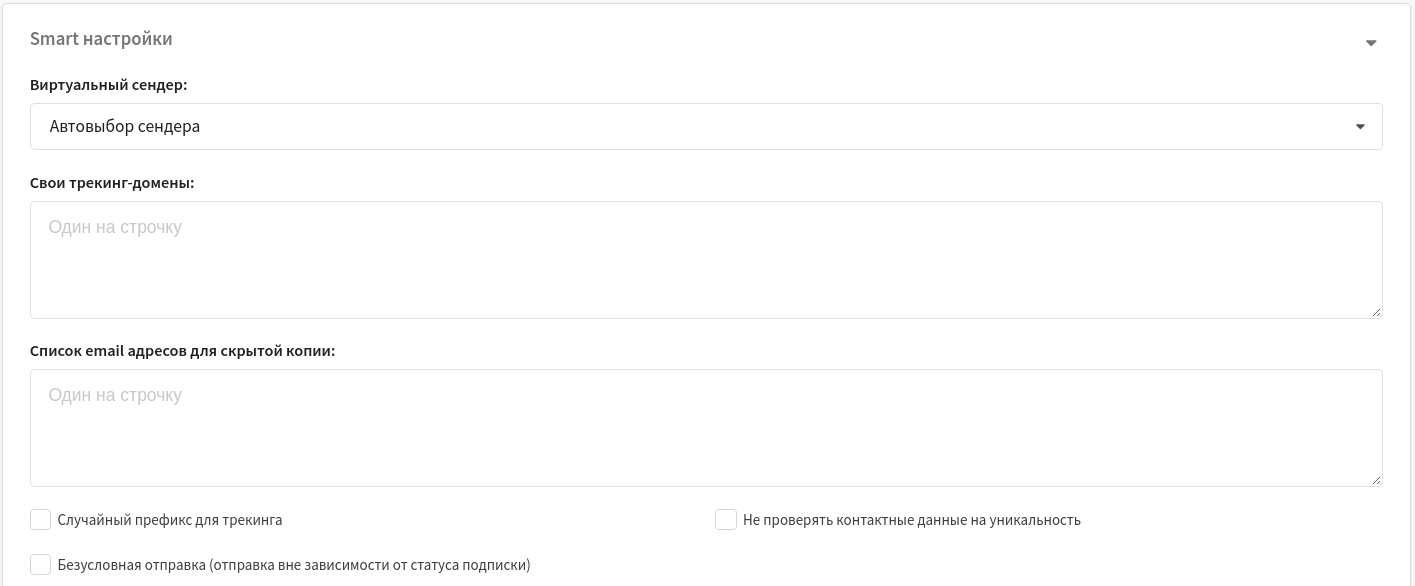
Smart Settings
The Smart Settings block combines the following additional mailing settings:
- Virtual sender — lets you select a virtual sender for the mailing (a set of rules for sending messages from the platform's real senders).
- Custom tracking domains — tracks message interactions using additional tracking servers. Specify each domain on a separate line.
- BCC email list — BCC recipients for outgoing messages. Specify each address on a separate line.
- Do not check contact data for uniqueness — disables uniqueness validation of mailing recipients based on subscription data.
If you are unsure which settings to select, consult with the platform administrator in your organization or with Altcraft support specialists.
Mailing Watchers
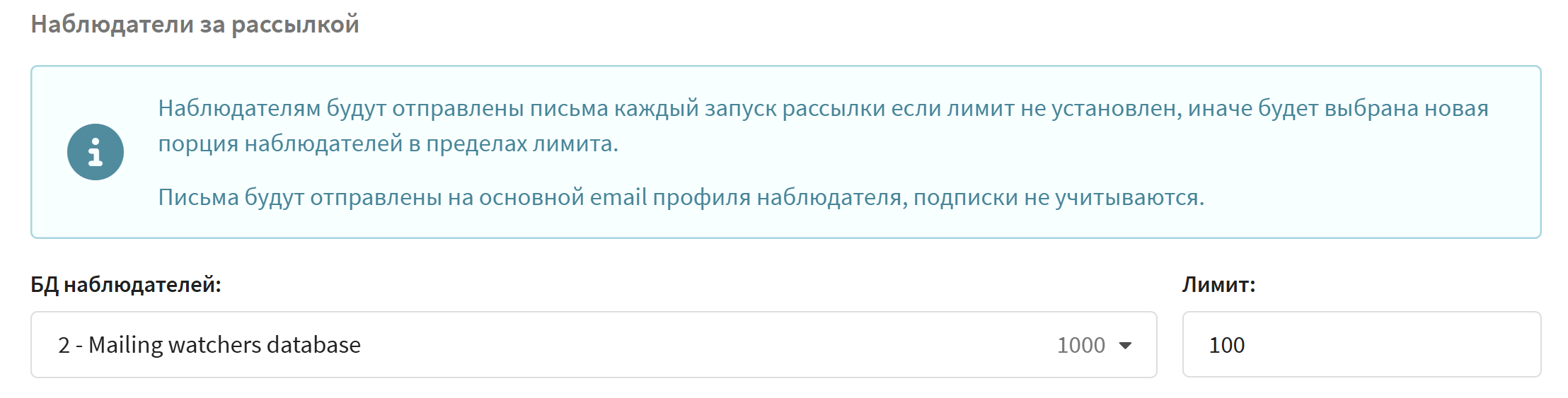
Additionally, you can set mailing watchers in Smart Settings. Watchers receive the same messages as mailing recipients. To do this, you need a watchers database. It is created the same way as a regular database, but you must enable the corresponding option in General Settings.
In Smart Settings, select the Watchers DB and set the message sending limit for each mailing launch:
In-App Placement
To communicate via In-App, you need to perform the following actions in advance:
-
Create a resource with the In-App channel activated.
-
Make sure the application is integrated with Altcraft mSDK and profiles are subscribed to In-App.
-
Create an In-App template.
In-App content is only launched through placements. The creation and setup process differs slightly from setting up placements in Telegram and MAX.
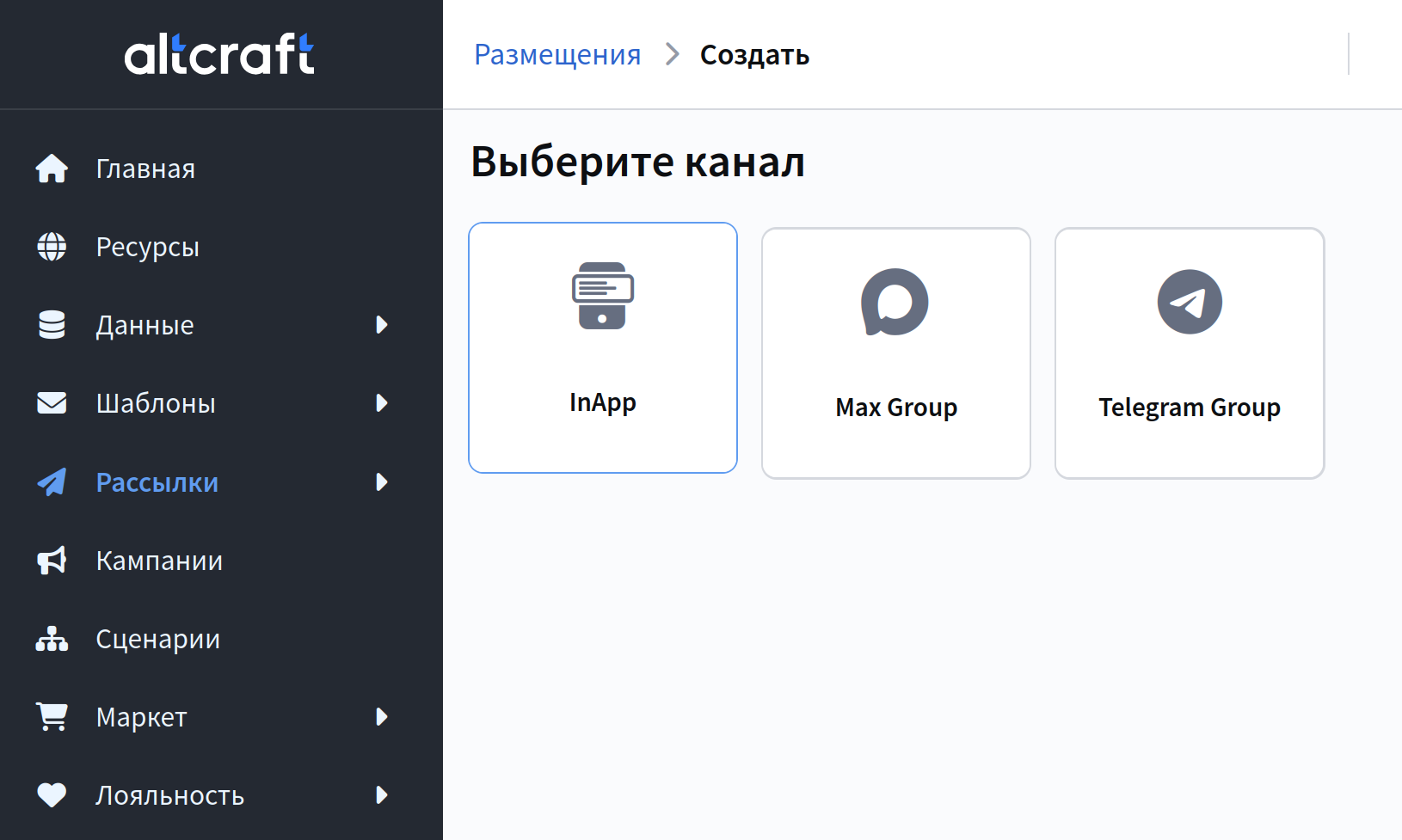
To create an In-App placement, go to Mailings — Placements. Select the In-App channel:
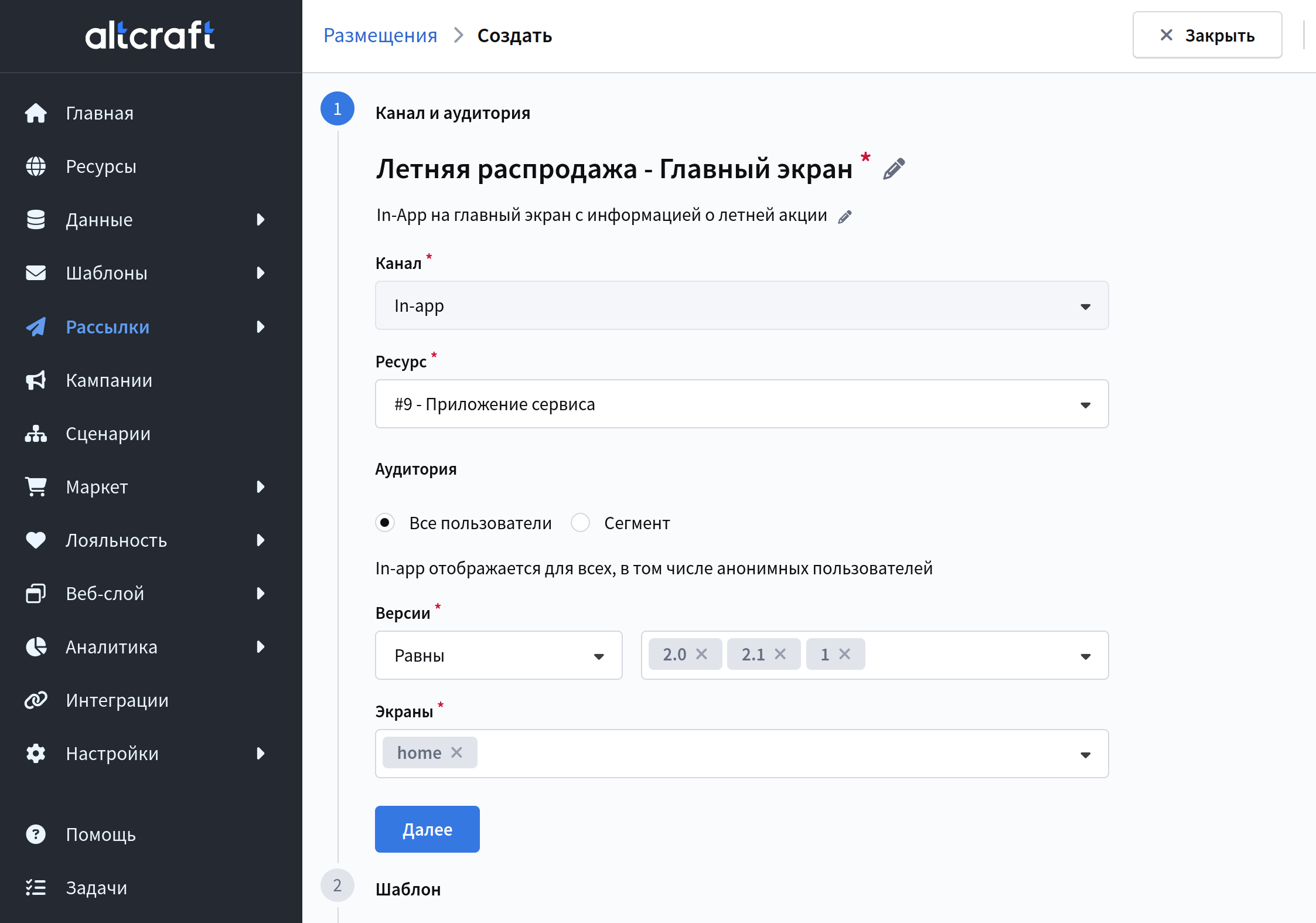
Fill in the basic information: placement name and description, subscription resource, recipient audience, application versions, as well as screens on which the content will be displayed:
Select the template created in the previous step and click Next:
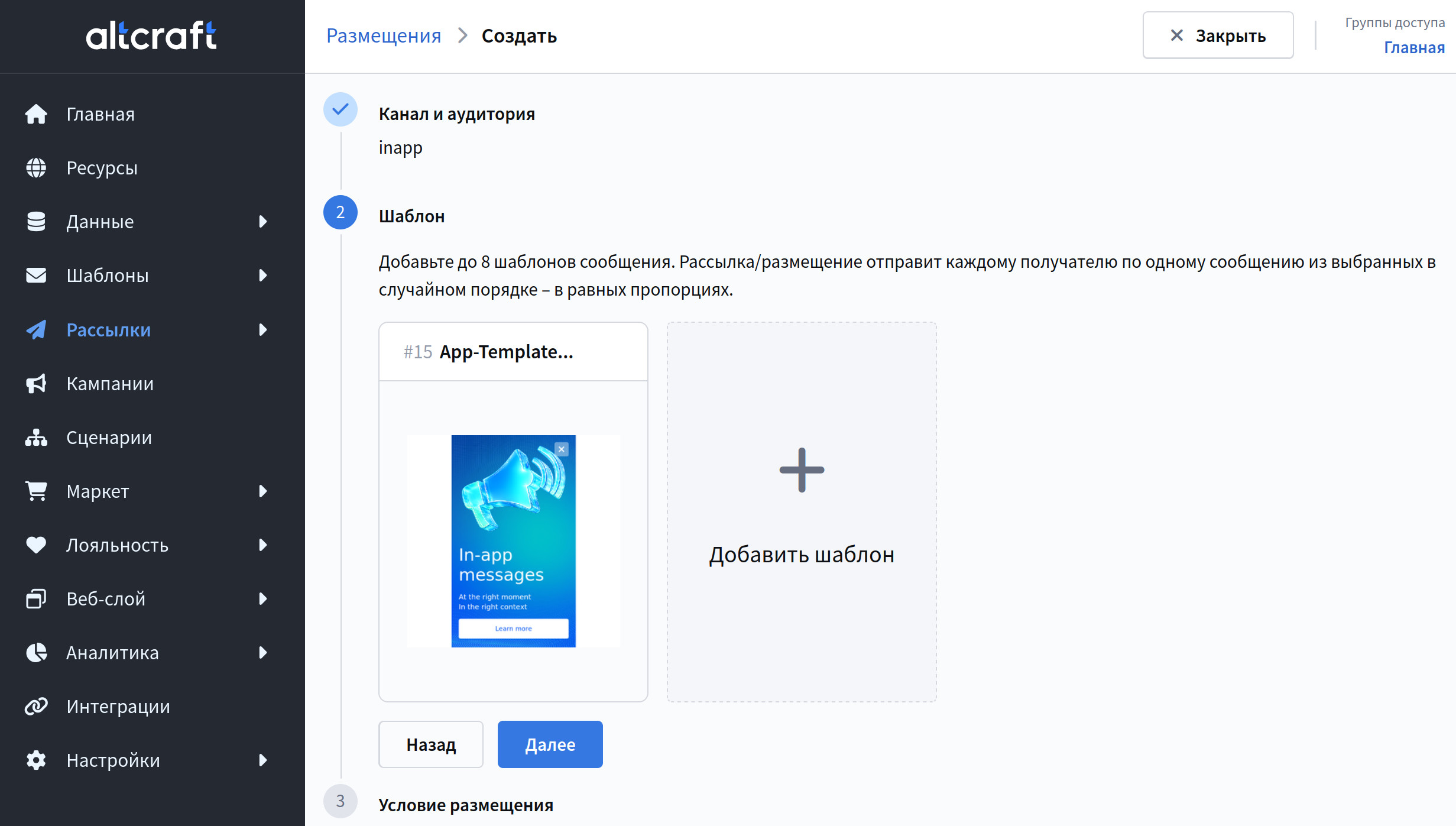
You can select up to 8 templates. If multiple templates are selected, recipients will be divided in equal proportions and receive a random message.
For example, if you add 4 templates to the placement, 25% of the audience will see the first template, another 25% will see the second, the next 25% will see the third template, and the remaining 25% will receive the fourth template. These groups are formed randomly among the entire audience.
Configure the display conditions:
-
Trigger event — the action after which the user will be shown the In-App. This can be application start, transition to a screen specified in the resource, or a user action from the application.
-
Display the message immediately or after X seconds after the trigger fires
-
Schedule availability — the placement can be available continuously, on specific dates and times, or with a specified frequency
-
Display frequency — whether there is a limit on the number of displays within a certain period. To set a limit, you need to create a sending policy.
-
Placement priority — determines which In-App message will be displayed if multiple placements are sent to the same screen simultaneously. The lower the value, the higher the priority. A value of 0 corresponds to the highest priority.
-
Display limit — a limit on the number of In-App displays for one user.
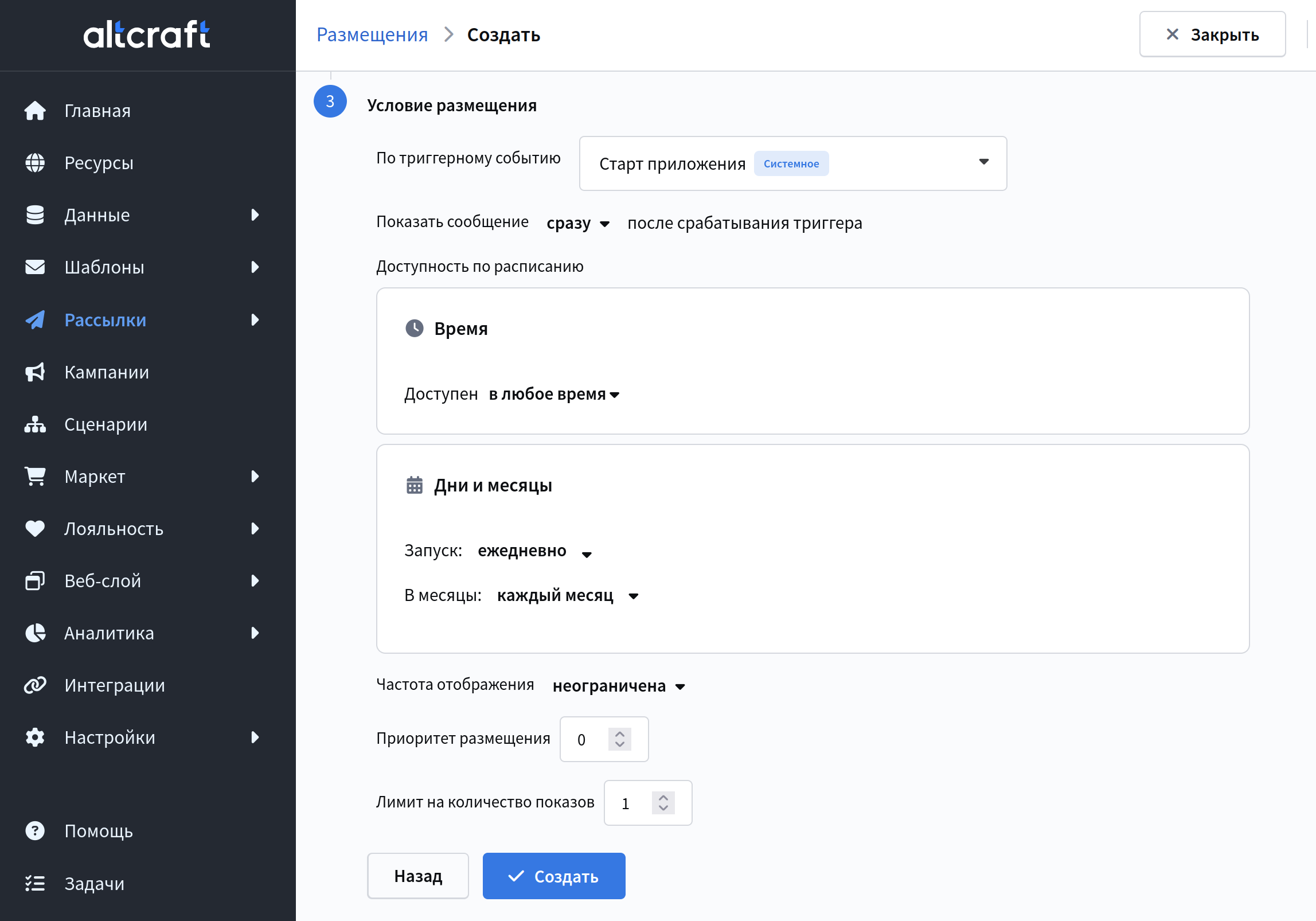
After configuring the placement, click Create. After creating the placement, you will be taken to the management screen:
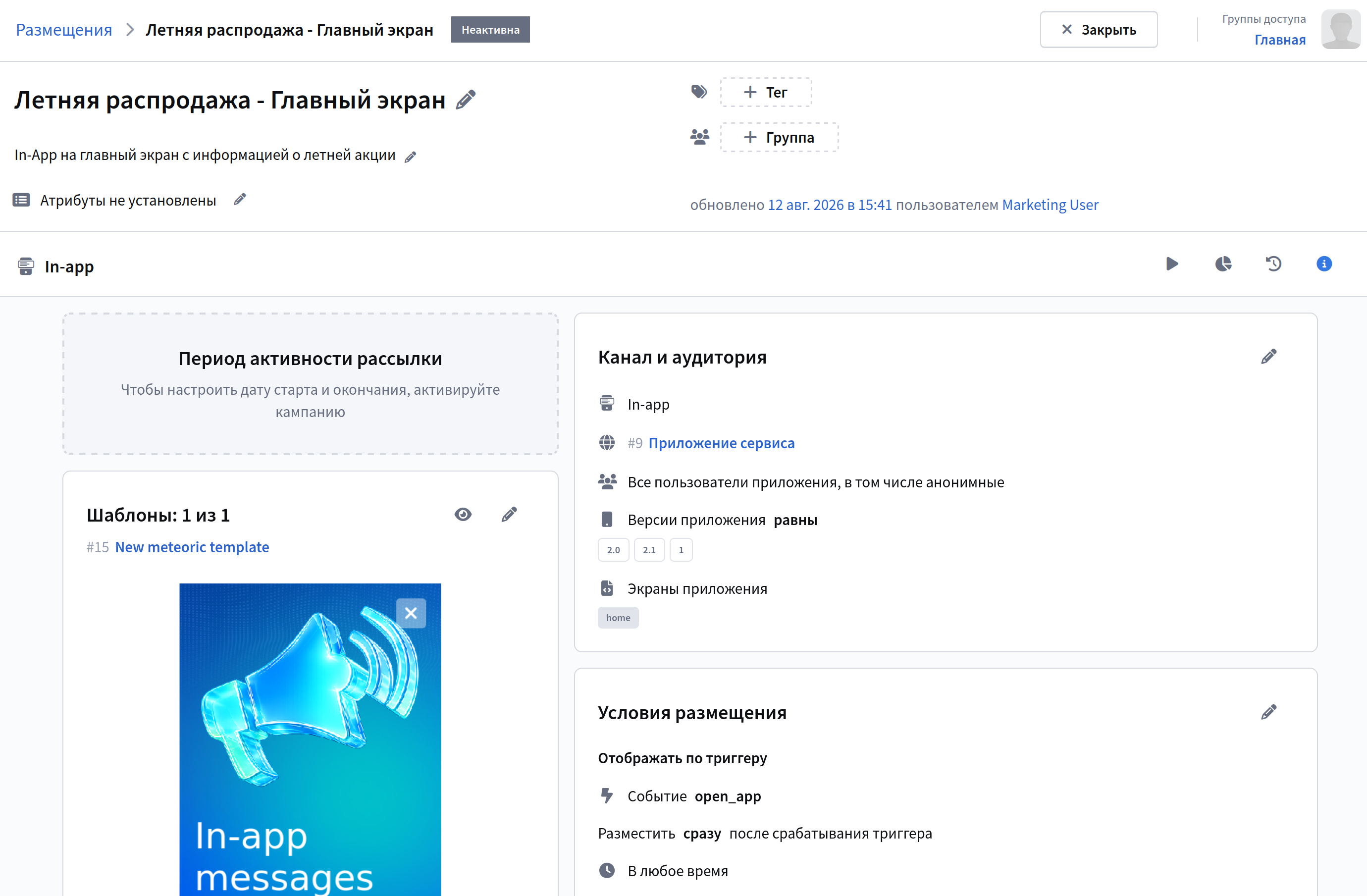
To activate the placement, click the start button  and specify the start date and end date:
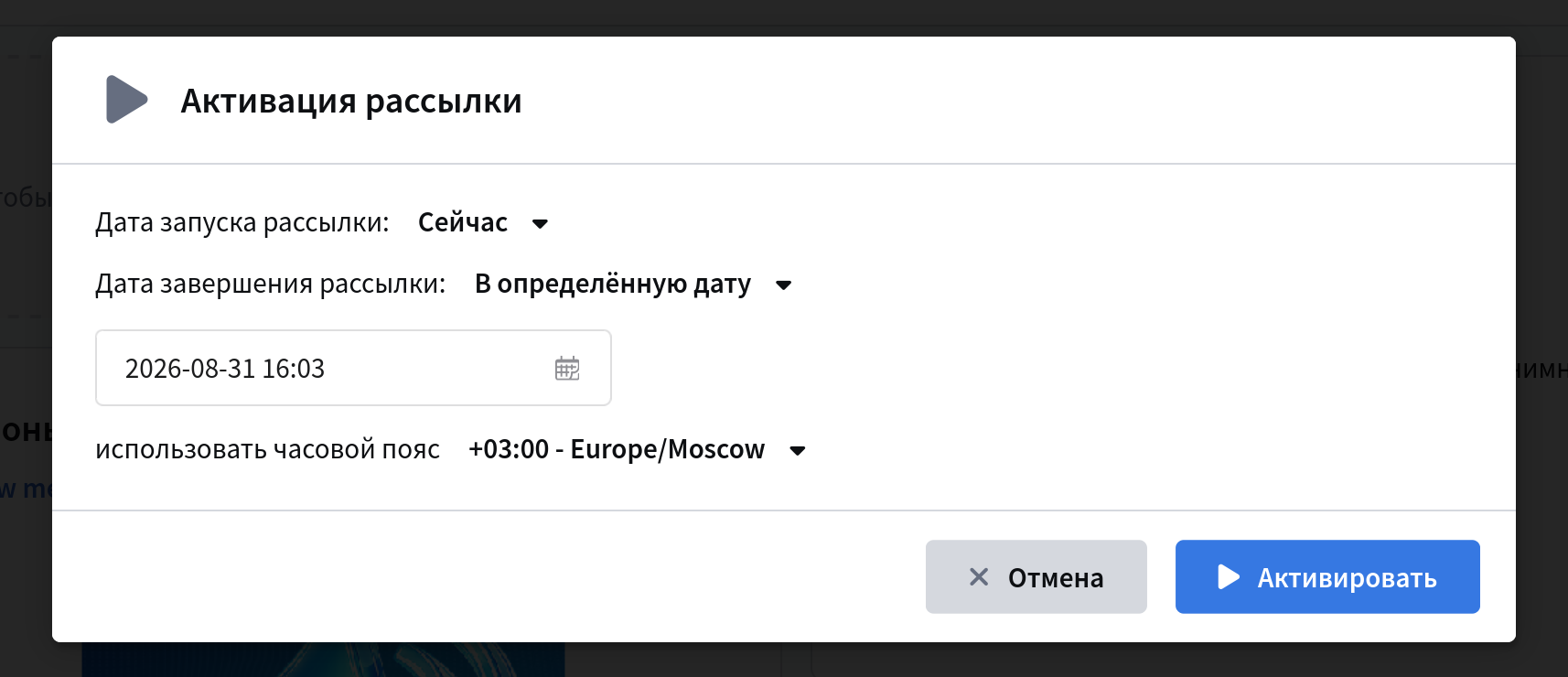
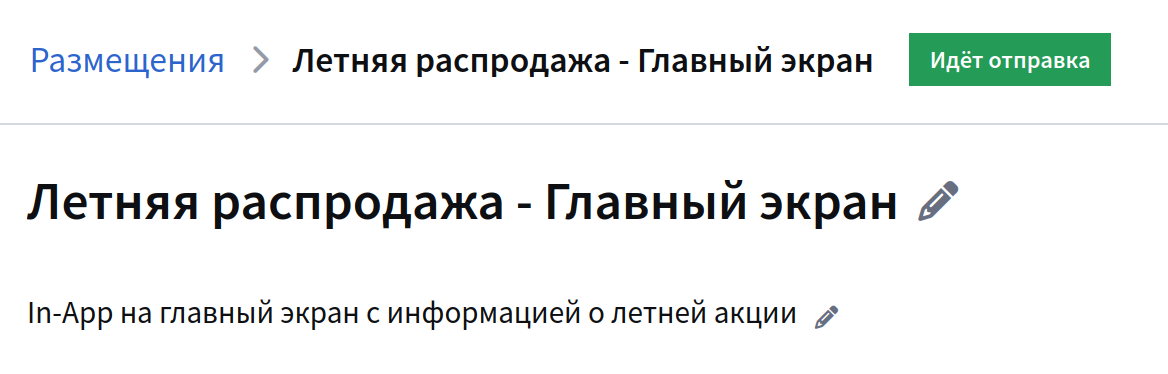
If you activated the placement immediately, the status will change to Sending:
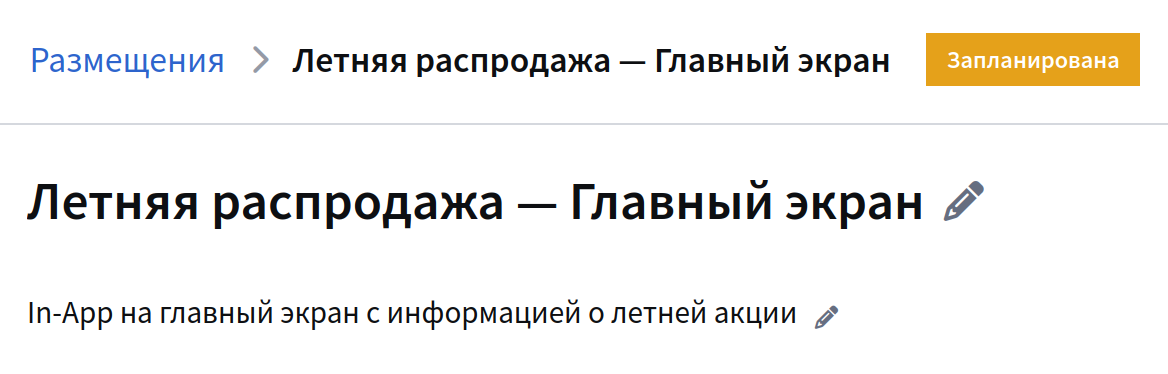
If you selected a future date, the mailing will have the status Scheduled. You can launch it right now by clicking the corresponding button  :
:
For more information on In-App channel setup, see the "First In-App Placement" article.